|
SpermaCue
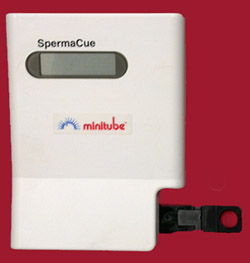 |
- Turn on the SpermaCue. Wait until the output indicates that
the machine is ready.
- Place the calibration cuvette in the slider. Be careful not
to get fingerprints on the sample reading area. Push the slider
into the machine.
- The machine will display a number. Compare that number to the
number on the calibration cuvette holder. If the number is not
close to the printed number, contact Minitube.
|
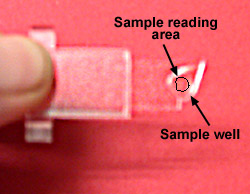 |
- Load 25µl into the sample well of a new cuvette.
Be careful not to get fingerprints or sample on the sample reading
area.
- Place the cuvette in the slider. Push the slider into the machine.
The number displayed is in millions of sperm/ml.
|

|